[Project Arc] NPC Dialogue 시스템 구현 중간 정리
NPC Dialogue 시스템을 구현 중간 정리를 요약했습니다.
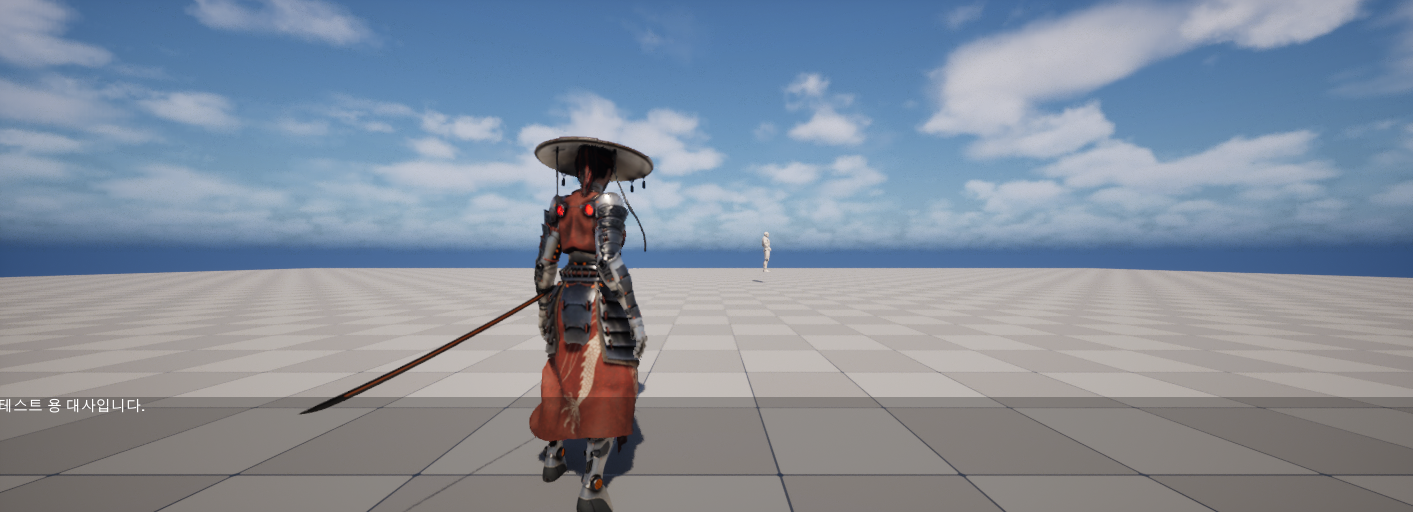
[Project Arc] NPC Dialogue 시스템 구현 중간 정리
목표
- NPC와 상호작용 시 대화 UI 위젯을 스택 기반으로 표시/제거
- 대화 노드 트리 기반의 대사 진행, 액션 노드 기반 선택지 버튼 생성
- GameInstanceSubsystem(UCMLocalEventManager) 를 통한 델리게이트 브로드캐스트 구조 정립
대화 데이터 구조 설계 (ACMNpcBase)
UCMDialoagueNode- 부모 노드:
ParentNode - 자식 노드 배열:
TArray<UCMDialoagueNode*> Children - 대사 텍스트:
FText DialogueText
- 부모 노드:
UCMActionNode : UCMDialoagueNode- 액션 타입:
ECMNpcComponentType ActionType
- 액션 타입:
ACMNpcBase- 루트 노드:
RootDialogueNode - 전체 노드 리스트:
AllDialogueNodes - 현재 노드:
CurrentNode - 노드 생성 함수들:
CreateDialogueNode(...)CreateDialogueNodeWithSettings(...)CreateActionNodeWithSettings(...)
- 트리 탐색/디버그
LogAllDialogueNodeTexts()로 전체 노드 로그MoveToChildNodeByIndex(int32 ChildIndex)로 자식 인덱스 기반 이동
- 루트 노드:
NPC 상호작용 흐름 (ACMNpcBase)
BeginPlay()- NpcComponents 기반으로
UCMNpcComponentBase파생 컴포넌트 생성 및 등록 - 1초 후
LogAllDialogueNodeTexts()실행 (디버그용) - 5초 후
PerformInteract()자동 호출 (테스트용)
- NpcComponents 기반으로
PerformInteract()- 현재 구현:
StartDialogue()호출 - 후속 작업: 필요 시 여기서 UI 생성, 대사 초기화 등 추가
- 현재 구현:
HandleActionByType(ECMNpcComponentType)- 등록된 컴포넌트 맵에서 타입에 해당하는 컴포넌트 찾아
PerformAction()호출
- 등록된 컴포넌트 맵에서 타입에 해당하는 컴포넌트 찾아
GameInstanceSubsystem: UCMLocalEventManager
- 역할: NPC ↔ UI 간 로컬 이벤트 허브
- 델리게이트 정의
FOnNextDialogueNodeRequested- 다음 대화 노드 요청 (예: UI Next 버튼)
FOnPrintDialogueNodeText(const FText& DialogueText)- 현재 노드 대사 텍스트 브로드캐스트
FOnCreateChoiceButton(const FText& DialogueText, ECMNpcComponentType ComponentType)- 선택지 버튼 생성 요청 (액션 노드 정보 전달)
FOnSelectedDialogueChoice(ECMNpcComponentType ComponentType)- 플레이어가 선택지 선택 시 브로드캐스트
UPROPERTY(BlueprintAssignable)로 모두 블루프린트에서 바인딩 가능하도록 노출
NPC와 LocalEventManager 연동 (ACMNpcBase)
StartDialogue()- GameInstance에서
UCMLocalEventManager서브시스템 획득 및 캐싱 LocalEventManager->OnNextDialogueNodeRequested.AddDynamic(this, &ACMNpcBase::OnNextDialogueNodeRequested);
- GameInstance에서
OnNextDialogueNodeRequested()구현- 전제:
CurrentNode가 설정되어 있어야 함 - 로직:
CurrentNode가 nullptr 이면 리턴 + 경고 로그CurrentNode->Children.Num()이 1이 아닐 경우 이동하지 않고 로그만 출력- 자식이 1개일 때만
CurrentNode를 그 자식 노드로 변경 - 변경된 노드의
DialogueText를LocalEventManager->OnPrintDialogueNodeText.Broadcast(...)로 브로드캐스트 - 새
CurrentNode의Children를 순회하면서UCMActionNode인 자식을 탐색- 각 액션 노드에 대해
OnCreateChoiceButton.Broadcast(ActionNode->DialogueText, ActionNode->ActionType)호출
- 각 액션 노드에 대해
- 전제:
- (추가 예정)
HandleChoiceSelected(ECMNpcComponentType)FOnSelectedDialogueChoice를 수신하여HandleActionByType와 연동 예정
NPC 대화 UI 위젯 구조 (UCMNpcDialogueWidget)
- 상속:
UCMWidgetBase - 바인딩 프로퍼티
FText NpcNameText/NpcNameTextBlockFText DialogueText/DialogueTextBlockUButton* NextButtonUVerticalBox* ChoicesContainerTArray<UCMNpcDialogueChoiceElement*> ChoiceWidgets- 에디터에서 설정 가능한 선택지 클래스:
TSubclassOf<UCMNpcDialogueChoiceElement> ChoiceElementClass
- 주요 함수
NativeConstruct()NextButton->OnClicked.AddDynamic(this, &UCMNpcDialogueWidget::OnNextDialogue);ClearChoices()로 기존 선택지 초기화
OnNextDialogue()- 내부에서 LocalEventManager의 OnNextDialogueNodeRequested 를 브로드캐스트 하도록 구현 예정 (현재는 TODO 상태로 비워둠)
ClearChoices()ChoicesContainer->ClearChildren();ChoiceWidgets.Empty();
AddChoice(const FText& InChoiceText, ECMNpcComponentType InComponentType)- 사용할 클래스 결정:
ChoiceElementClass가 있으면 그 BP, 없으면UCMNpcDialogueChoiceElement::StaticClass() CreateWidget로 인스턴스 생성 후 텍스트 세팅,ChoicesContainer에 AddChild,ChoiceWidgets에 보관
- 사용할 클래스 결정:
선택지 UI 엘리먼트 (UCMNpcDialogueChoiceElement)
- 상속:
UCMWidgetBase - 프로퍼티
FText ChoiceTextUButton* ChoiceButtonUTextBlock* ChoiceTextBlock
- 델리게이트
FOnChoiceClicked(BlueprintAssignable)
- 동작
NativeConstruct()에서ChoiceButton->OnClicked에 내부 핸들러 바인딩HandleChoiceButtonClicked()→OnChoiceClicked.Broadcast()호출SetChoiceText(const FText& InText)로 내부 텍스트와 TextBlock 동기화
델리게이트 연결 요약
UCMLocalEventManagerOnNextDialogueNodeRequested- (UI → NPC) Next 버튼으로 다음 노드 요청
OnPrintDialogueNodeText- (NPC → UI) 현재 대사 텍스트 전달
OnCreateChoiceButton- (NPC → UI) 선택지 버튼 정보 전달
OnSelectedDialogueChoice- (UI → NPC) 플레이어가 선택한 액션 타입 전달
- 현재 상태
- NPC 쪽:
StartDialogue()에서OnNextDialogueNodeRequested에 바인딩,OnNextDialogueNodeRequested()구현 완료 - UI 쪽:
NextButton→OnNextDialogue()→ LocalEventManager 브로드캐스트 부분은 TODO - 선택지 클릭 →
OnSelectedDialogueChoice브로드캐스트, NPC의HandleChoiceSelected에서 처리하는 구조는 설계만 완료
- NPC 쪽:
요약
- UE5에서 GameInstanceSubsystem(UCMLocalEventManager) 를 사용해 NPC와 UI 사이의 대화 이벤트를 느슨하게 연결하는 패턴을 정리했다.
- NPC 하나가 대화 트리(UCMDialoagueNode/UCMActionNode)를 소유하고, LocalEventManager 델리게이트를 통해 다음 노드 이동, 대사 텍스트 브로드캐스트, 선택지 생성까지 책임지도록 설계했다.
- UI는 PlayerController 가 가진
UUIManagerComponent의 스택을 통해 관리하며, 대화 위젯을 푸시/팝하는 방식으로 게임 입력 모드와도 자연스럽게 연동했다. - 아직 남은 TODO는 Next 버튼에서 OnNextDialogueNodeRequested 브로드캐스트, 선택지 클릭 → OnSelectedDialogueChoice 브로드캐스트 → NPC HandleActionByType 연동 이며, 이 부분을 다음 단계에서 마무리할 예정.
This post is licensed under CC BY 4.0 by the author.